Change Logo
Change the logo
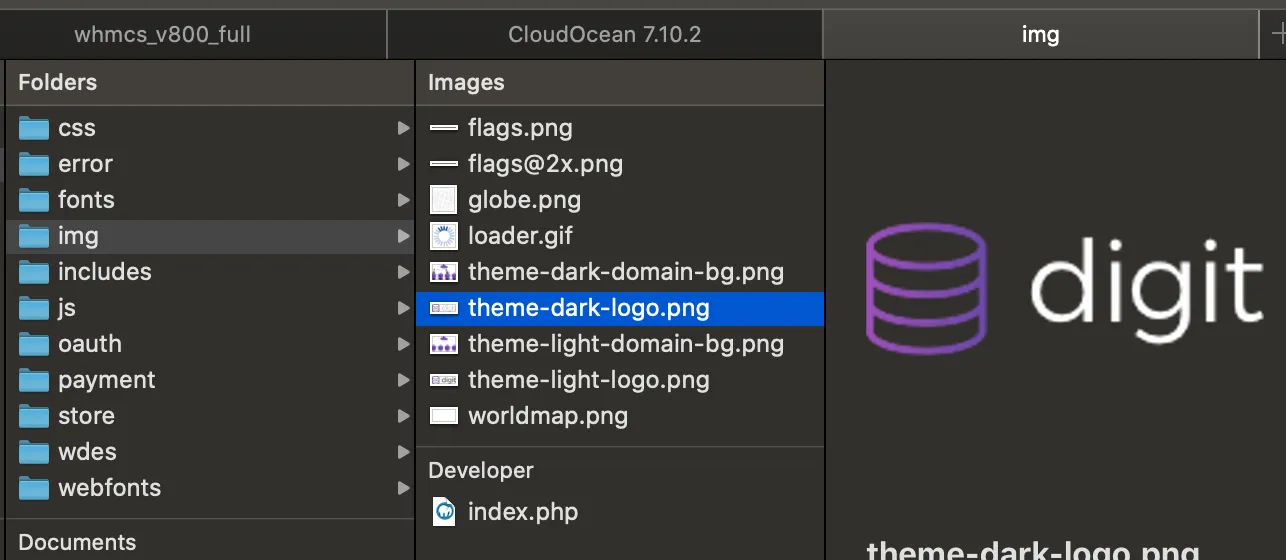
Go to WHMCStemplatesdigitimg. You will find a logo for each mode (light and dark):
theme-dark-logo.pngtheme-light-logo.png
Replace them with your company logo. Keep the file names exactly the same.
Change the logo height
Open WHMCStemplatesdigitcsswdes-custom.css and add the following code:
wdes-custom.cssCSS
section#header .logo img {
    max-height: 33px;
}
33px is the default logo height. Adjust it as you need.