Disable Auto Detect for Light/Dark Mode
Open WHMCStemplatesdigitwdesjscustomizer.js and delete the code starting from the line
customizer.jsJavaScript
/***** Auto Detect System Mode (Light or Dark) *****/up to the line
customizer.jsJavaScript
/***** Mode *****/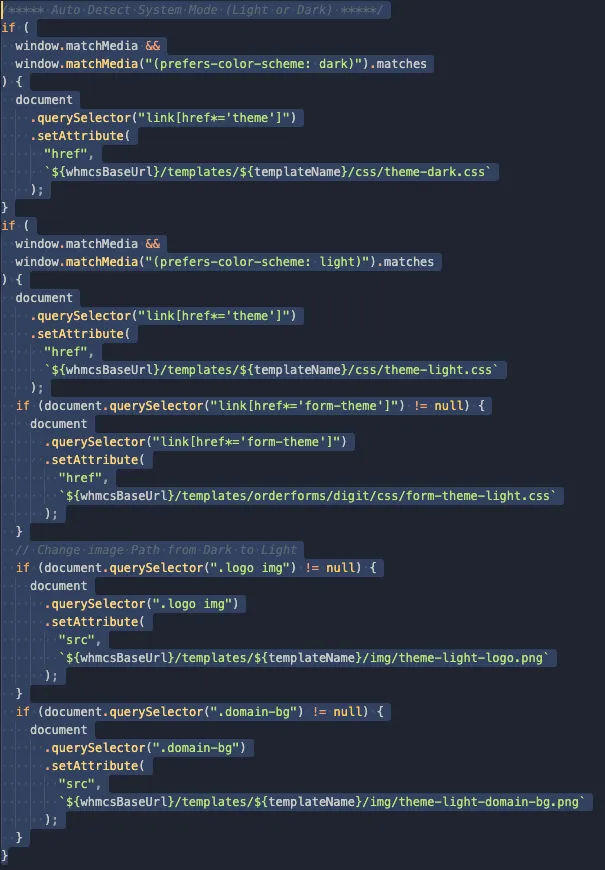
To turn it back on later, see enable auto detect for light/dark mode.