Installation
Before you start
Make sure the Digit version you are installing is compatible with your WHMCS installation.
Download the files
-
Go to ThemeForest and log in to your account.
-
In the upper right corner, hover over your username and click Downloads.

-
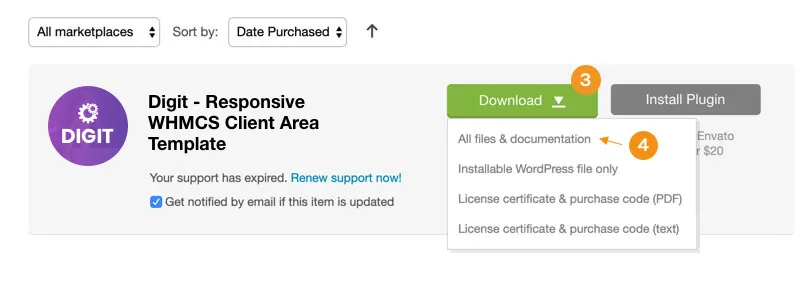
Click the Download button.
-
Click the All files & documentation link.
- Log in to your client portal account.
- Go to Subscriptions.
- Open the Digit product.
- Click the Download button on the product page.
Upload the files
-
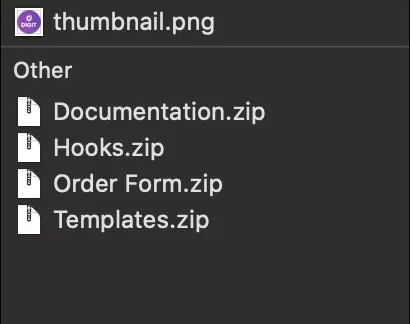
Extract the downloaded zip file. You will find a structure like this:
-
Extract
template.zipand upload thedigitfolder to WHMCStemplates.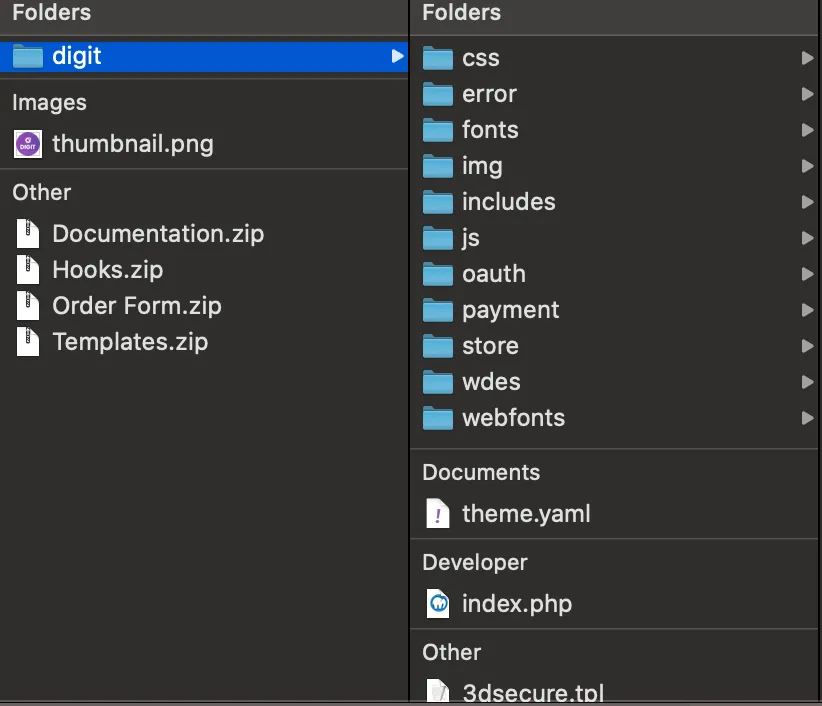
-
Extract
orderform.zipand upload thedigitfolder to WHMCStemplatesorderforms.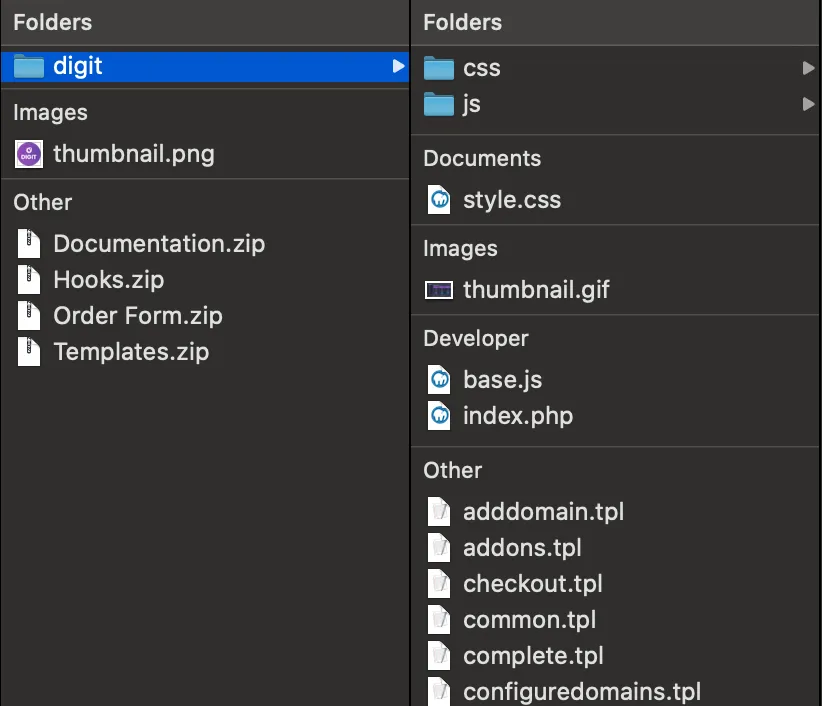
-
Extract
hooks.zipand uploadgravatar.phpto WHMCSincludeshooks.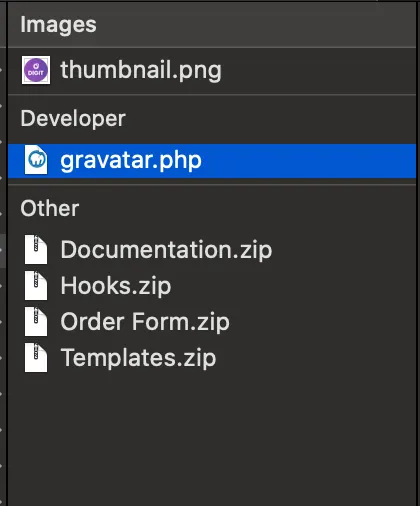
Activate the client area template and order form
-
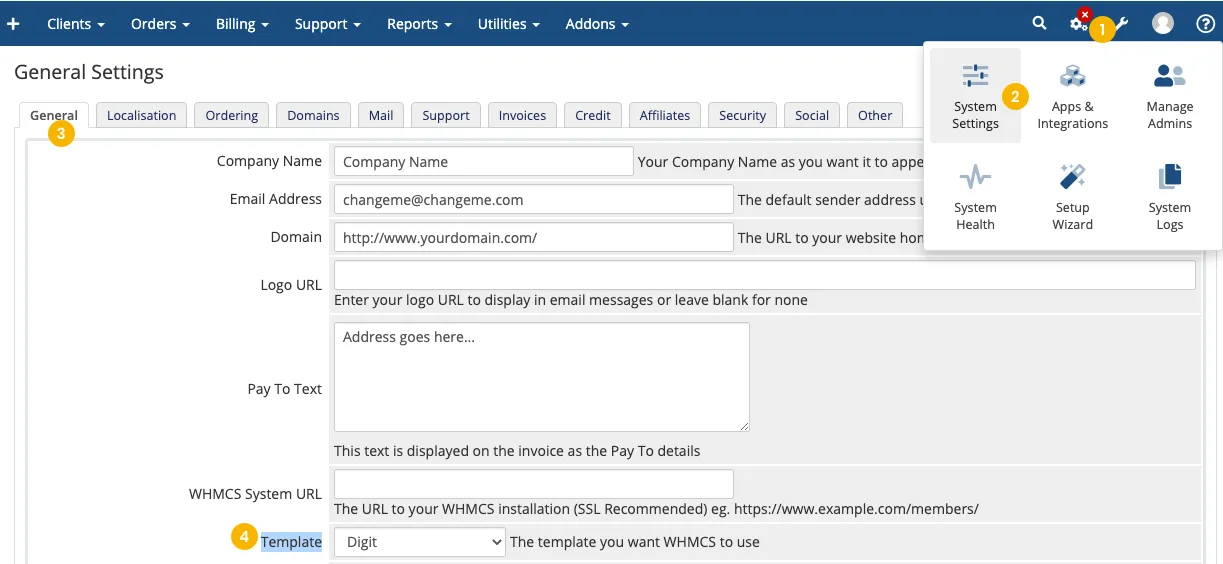
In the WHMCS admin area go to Wrench iconSystem SettingsGeneral Settings. On the General tab, choose Digit from the Template select box and click Save Changes.
-
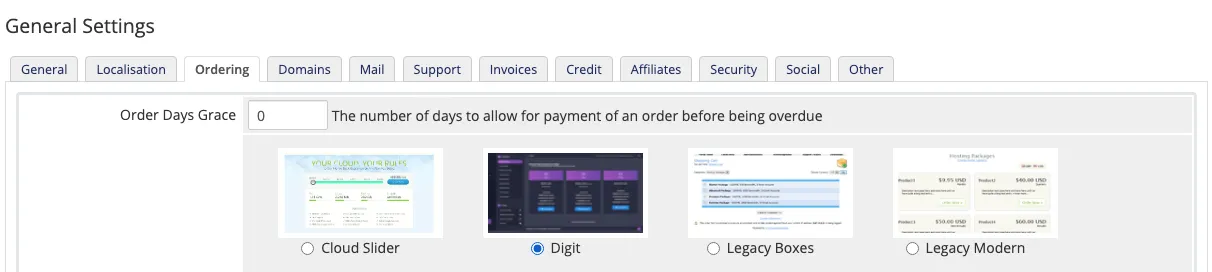
Select the Ordering tab, choose Digit and click Save Changes.
-
Make sure all your product groups have the Use System Default option checked in their product group settings.
Using WHMCS v7.x or lower? Follow this video tutorial instead.