Using a Child Theme
A child theme keeps your own changes in a separate folder, so updating Digit never overwrites them.
-
Upload the
childfolder to WHMCStemplates. -
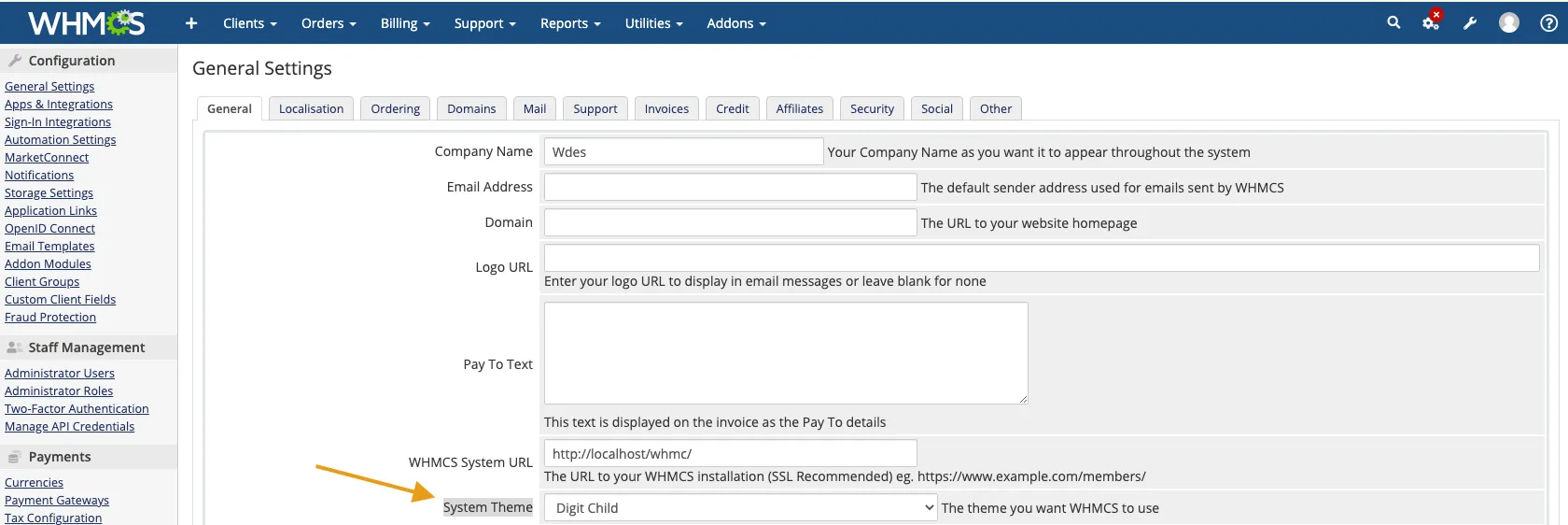
In the WHMCS admin area go to ConfigurationSystem SettingsGeneral Settings. On the General tab, under System Theme, choose Digit Child.
-
Inside the
childfolder, create any file you want to override, for exampleheader.tpl, and put your code in it.